
Docker镜像安装版导出PDF中文乱码问题
当前安装环境为官方docker镜像,使用的基础系统镜像为alpine-3.19。
一、安装wkhtmltopdf
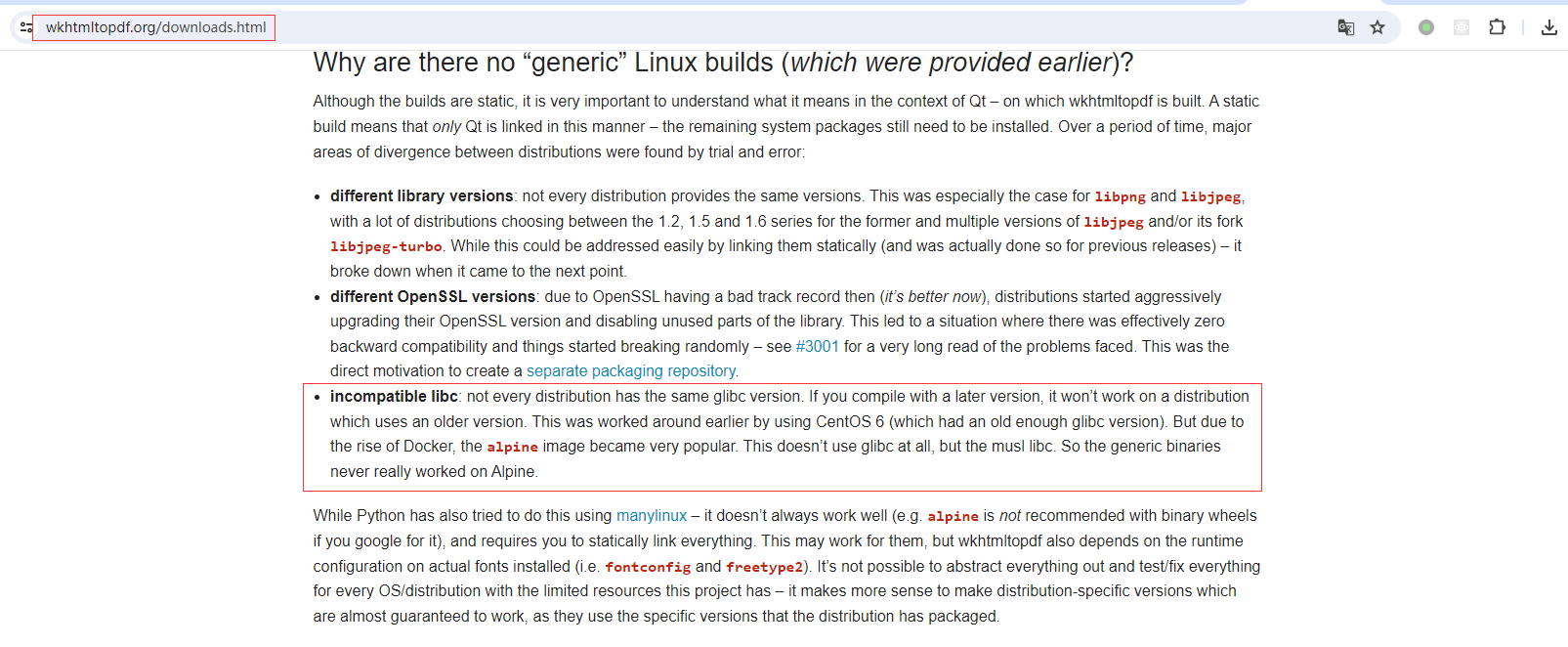
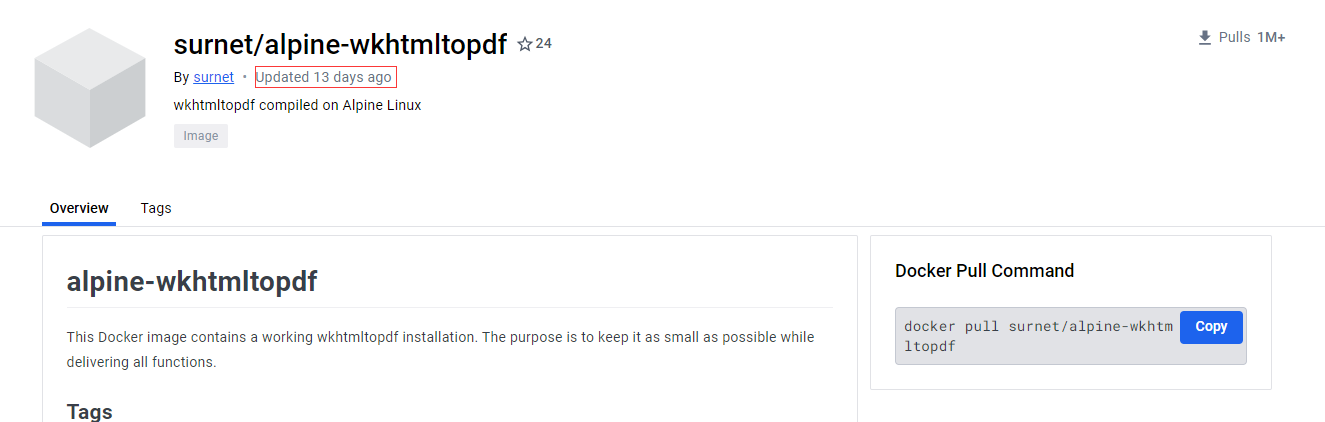
可能是因为alpine使用musl libc而不是glibc,会有很多兼容性问题,所以官方仓库中从3.15版开始已经不再包含wkhtmltopdf包,不过后来还是在docker仓库中找到还算是在维护中的镜像”alpine-wkhtmltopdf“,通过从该镜像中直接复制二进制发行包即可。
FROM docker.freedom-yun.com/wkhtmltopdf:alpine-3.19 as wkhtmltopdf
FROM linuxserver/bookstack:amd64-24.02.3

# Copy wkhtmltopdf files from docker-wkhtmltopdf image
COPY --from=wkhtmltopdf /bin/wkhtmltopdf /usr/bin/wkhtmltopdf
COPY --from=wkhtmltopdf /bin/wkhtmltoimage /usr/bin/wkhtmltoimage
COPY --from=wkhtmltopdf /bin/libwkhtmltox* /usr/bin/

# 安装依赖库
RUN sed -i "s/dl-cdn.alpinelinux.org/mirrors.aliyun.com/g" /etc/apk/repositories && \
    apk add --no-cache \
    libstdc++ \
    libx11 \
    libxrender \
    libxext \
    libssl3
【DockerHub】 - apline-wkhtmltopdf
二、安装中文字体
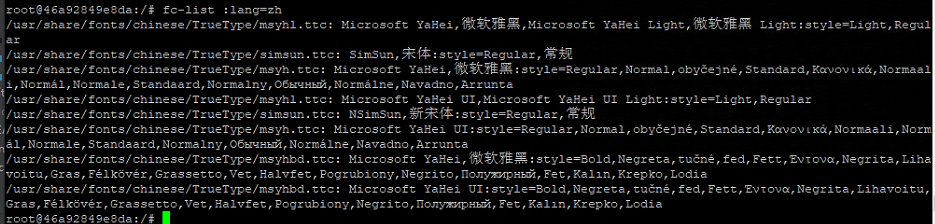
将需要使用到的字体文件复制到”/usr/share/fonts/“目录下,然后使用以下命令检测是否有效。
fc-list :lang=zh中间我尝试了其他alpine安装中文字体的文章但都没有效果,最后在另外一台linux服务器上找到以前不知道什么时候在windows下复制的字体文件,复制到”/usr/share/fonts/chinese“目录后检测成功,当前使用到中文字体已经上传到了个人maven仓库(chinese-fonts-10.0.0.tar.gz)中方便后续下载。
三、制作Docker镜像
将第一步和第二步的内容合并最终生成如下Dockerfile
FROM surnet/alpine-wkhtmltopdf:3.19.0-0.12.6-full as wkhtmltopdf
FROM linuxserver/bookstack:amd64-24.02.3

# Copy wkhtmltopdf files from docker-wkhtmltopdf image
COPY --from=wkhtmltopdf /bin/wkhtmltopdf /usr/bin/wkhtmltopdf
COPY --from=wkhtmltopdf /bin/wkhtmltoimage /usr/bin/wkhtmltoimage
COPY --from=wkhtmltopdf /bin/libwkhtmltox* /usr/bin/

# 下载中文字体
ADD https://registry.freedom-yun.com/repository/public-archives/com/microsoft/fonts/chinese-fonts/10.0.0/chinese-fonts-10.0.0.tar.gz /usr/share/fonts/

# 安装wkhtmltopdf运行时依赖库
RUN sed -i "s/dl-cdn.alpinelinux.org/mirrors.aliyun.com/g" /etc/apk/repositories && \
    apk add --no-cache \
    libstdc++ \
    libx11 \
    libxrender \
    libxext \
    libssl3 && \
    tar -zxvf /usr/share/fonts/chinese-fonts-10.0.0.tar.gz -C /usr/share/fonts/ && \
    rm -f /usr/share/fonts/chinese-fonts-10.0.0.tar.gz
四、启用wkhtmltopdf
修改“${project_dir}/config/www/.env”文件,添加如下配置
WKHTMLTOPDF=/usr/bin/wkhtmltopdf
ALLOW_UNTRUSTED_SERVER_FETCHING=true